What to Track in a Wardrobe Inventory
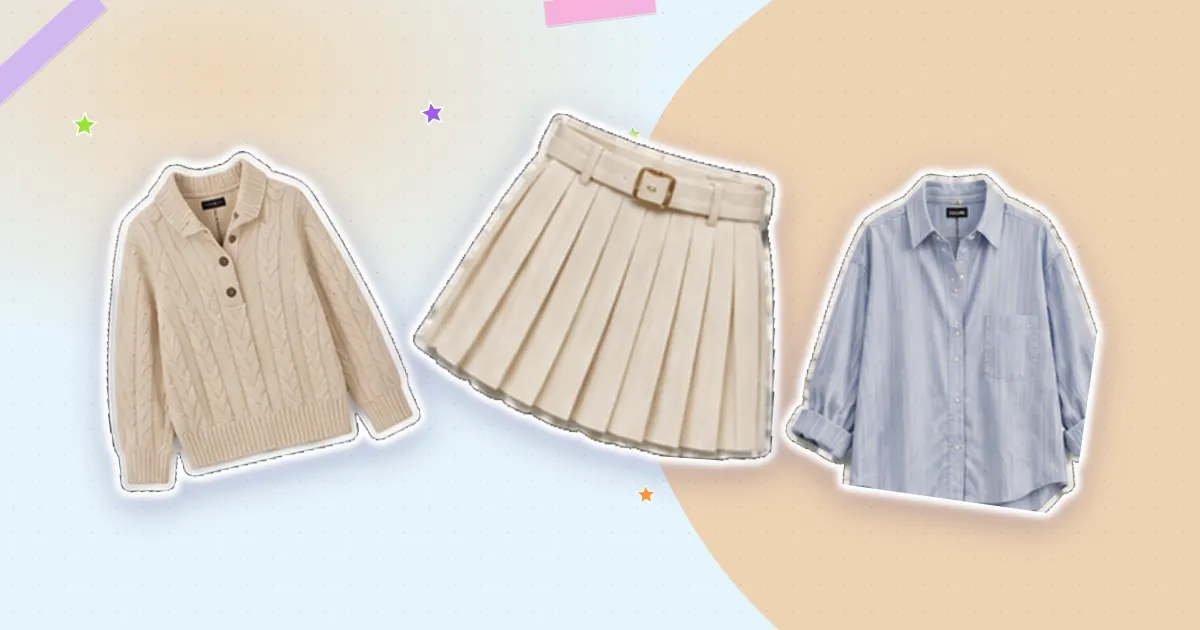
Wardrobe inventories fail for one of two reasons: too little detail, so you cannot find anything, or too much, so you never finish entering it. The useful middle is narrower than people expect — roughly four fields do almost all the work.
The four that earn their place
A photo. The single most important field. A cutout image in a grid is faster to scan than any amount of text, and it is what makes the inventory usable at 7am.
Category. Top, bottom, dress, layer, shoes, bag, accessory. This is what makes filtering possible, and filtering is what makes outfit building possible.
Colour. The dominant colour, not a precise description. "Navy" is useful; "midnight indigo with a slight heather" is not, because you will never search for it. Colour is how most people actually think when assembling an outfit.
Season or warmth. Light, mid, warm. It stops a linen shirt appearing in a January suggestion, which is the fastest way to lose trust in a system.
With those four, you can find any piece and build any outfit. Everything else is optional.
If a field will never change what you wear or what you buy, do not record it.
Worth adding for some pieces
Purchase price and date — only if you intend to use cost per wear. Combined with a wear count it produces the most useful number in the whole inventory. Without a wear count it is just a record of spending.
Wear count — ideally incremented automatically when you log an outfit. Manual counting never survives past week three. Wear data is what turns the inventory from a list into evidence.
Brand and size — genuinely useful for the pieces you might rebuy, and for knowing your size in a brand whose sizing you have already worked out. Not worth recording for everything.
Care instructions — worth it for the handful of items with unusual requirements, especially once the label is cut out or illegible.
Rarely worth the effort
- Fabric composition for every item — you will read it approximately never
- Where it is stored — the photo already tells you what it is; if you cannot find it, the problem is storage
- Detailed condition notes — either repair it or release it
- Style tags like "boho" or "classic" — these feel useful and are almost never searched
- Multiple photos per item — one clear image is enough for an index
How much detail by category
Everyday basics — the four core fields, nothing more. There are many of them and they need to be quick.
Expensive pieces — add price, date, brand and care. These are the items where cost per wear and maintenance genuinely matter.
Occasion wear — worth noting where you last wore it and to what, purely so you avoid repeating an outfit in the same circle.
Shoes — add comfort and weather notes. "Fine for two hours" and "not in rain" are the two facts you actually need at the door.
Let the tool do the work
Manual entry is where inventories die. Anything that fills fields for you — recognising the category and colour from the photo, cutting out the background — removes most of the effort, and reviewing a suggestion is far faster than typing from scratch.
The rule of thumb is that adding a piece should take under thirty seconds. Beyond that, you will stop adding pieces, and an inventory that is not current is worse than none because you stop trusting it.
Keeping it current
Two habits: add new items the day they arrive, and remove items when they leave. Both take seconds at the moment they happen and become an afternoon's work if deferred for six months.
Then use it. An inventory you never open is a chore you performed once. An inventory you plan outfits from is the thing that changes how you get dressed.
Closetelle turns your clothes into a digital wardrobe that plans outfits for you.
Download on the App Store