How to Photograph Clothes for a Wardrobe App
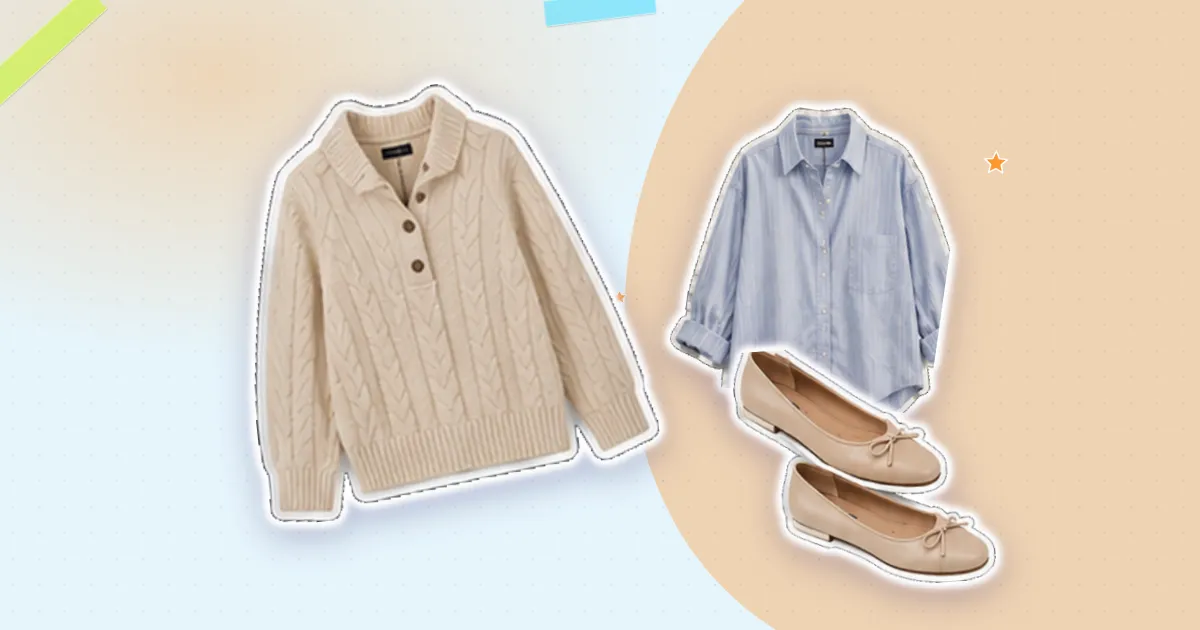
Wardrobe apps turn your photos into cutouts — the garment lifted off its background so it can sit in a grid or an outfit collage. Whether that cutout looks clean or ragged is decided almost entirely at the moment you take the photo.
None of this requires equipment. It requires a window, a plain surface and about twenty seconds per item.
Light: one soft source, no direct sun
Indirect daylight is the best light you have access to, and it is free. Work near a window, but not in the beam of sunlight coming through it. Direct sun creates hard shadows and blown-out highlights, and both confuse the edge detection that makes cutouts.
Position yourself so the light comes from the side or slightly behind you, falling evenly across the garment. If one half of the item is noticeably brighter than the other, turn the garment rather than chasing the light.
Avoid overhead room lights, especially at night. They cast a yellow tint and a shadow directly under your phone. If you must shoot in the evening, put the item on the floor near a lamp and use the lamp from the side.
Background: plain, and contrasting
The background needs two properties: no pattern, and a different tone from the garment. A white shirt on white sheets is the single most common cause of a bad cutout, because there is no edge for the software to find.
- Light garments — shoot on a mid or dark surface: a wooden floor, a grey rug, a dark duvet
- Dark garments — shoot on something pale: a white sheet, a light floorboard, a plain wall
- Avoid patterned bedding, rugs with texture, and anything with visible creases or seams
Two surfaces cover everything. Keep them both to hand and switch depending on the piece.
Framing: flat, square-on, one item
Lay the garment flat and shoot straight down from directly above. Angled shots make clothes look distorted in a grid, and they make cutouts harder because the shadow falls under the item rather than behind it.
Leave a margin of background all the way round — a few centimetres is enough. Items that touch the edge of the frame get cut off in the cutout, and that is not recoverable later.
One item per photo. A shirt with jeans in frame produces one confused cutout instead of two clean ones.
The four rules: soft side light, contrasting plain background, straight down, one item with a margin.
Make the garment look like itself
Spend five seconds arranging. Flatten the collar, straighten the sleeves, smooth the biggest wrinkles, square up the hem. Sleeves are worth a moment: laid slightly away from the body reads better than folded across it, because the silhouette stays recognisable at thumbnail size.
For trousers and jeans, fold in half lengthways and straighten the leg. For knits, do not stretch — lay them at their natural width or they will look like a different size than they are.
Shoes, bags and awkward shapes
Shoes look wrong shot from directly above. Photograph a pair at a slight three-quarter angle with one shoe just in front of the other, so the shape reads. Bags are best stood upright against a plain wall with the strap arranged deliberately rather than dumped.
Anything shiny — patent leather, satin, sequins — will pick up reflections of you and your phone. Move to the side and shoot at a small angle to avoid your own reflection in the middle of the item.
When a cutout still comes out wrong
Usually one of three things happened: the garment and background were too similar in tone, a shadow was read as part of the item, or the item touched the frame edge. All three are faster to fix by reshooting than by editing.
Sheer fabrics and open weaves are genuinely hard, because the background shows through the garment. Shoot those on a strongly contrasting surface and accept that the result may need a manual touch-up.
Once your photos are consistent, the whole catalogue looks like one set rather than fifty snapshots — which matters more than any individual image. Digitising a full closet goes faster when you are not stopping to fix images.
Closetelle turns your clothes into a digital wardrobe that plans outfits for you.
Download on the App Store