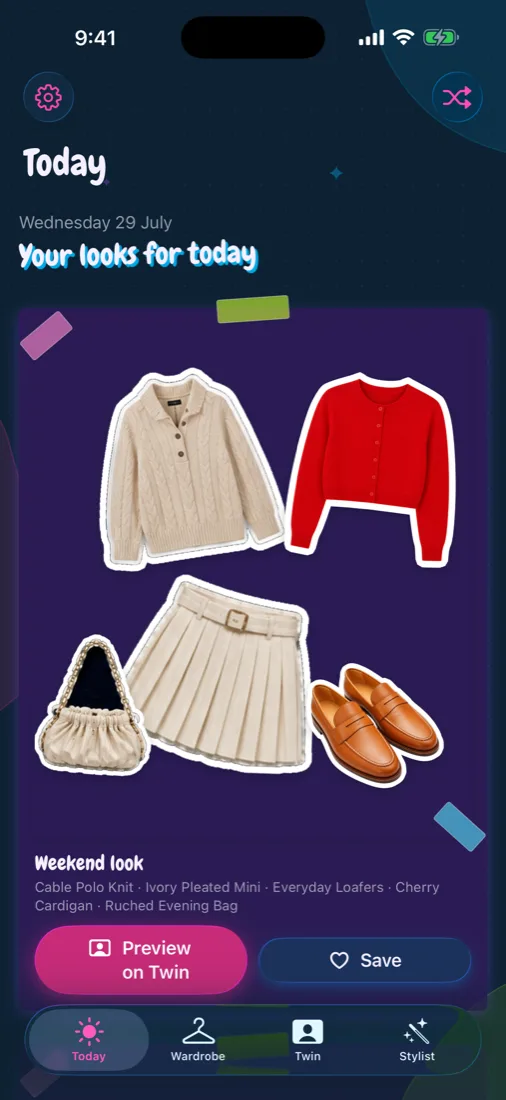
Your closet, stickered
Photograph a piece or pick one from your library. Closetelle cuts it out scrapbook-style and suggests the details for you to check before saving.
Photograph the pieces you own and Closetelle turns them into scrapbook cutouts, then builds fresh outfits from the clothes already hanging in your closet.
Make more of what you own
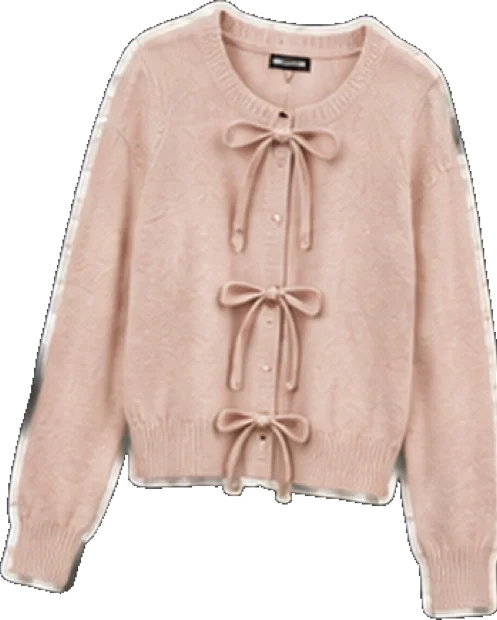
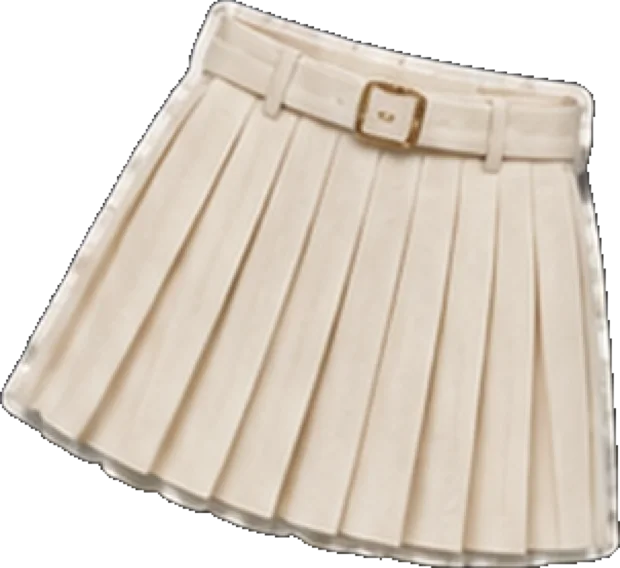
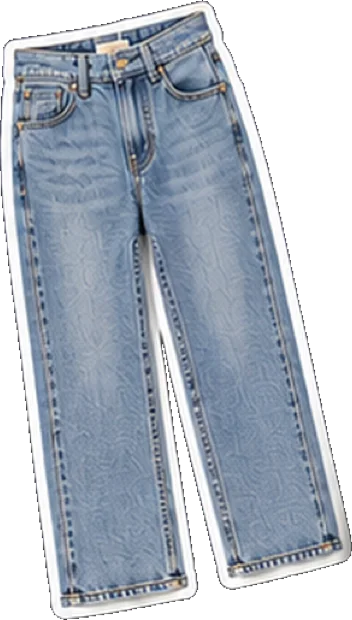
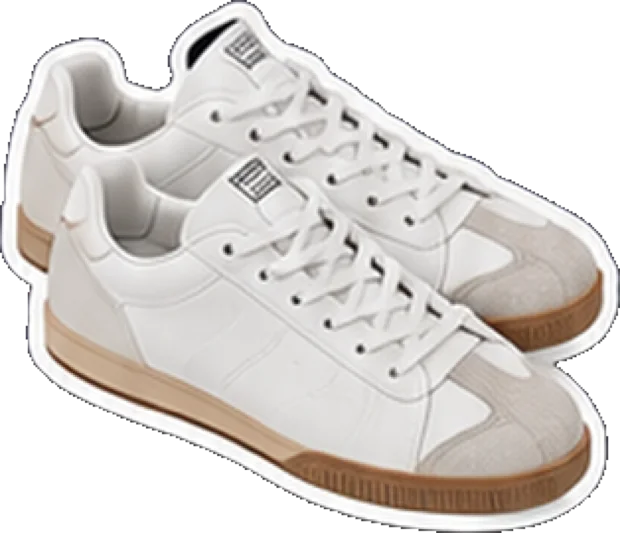
Four pieces of the app, working from the same closet.
Photograph a piece or pick one from your library. Closetelle cuts it out scrapbook-style and suggests the details for you to check before saving.
Today brings favourites and forgotten pieces back into rotation with complete outfits — tuned to the occasion, and to your local weather if you want it.
Pick the pieces yourself, build your own combinations and keep them together in a personal lookbook. Inspiration without taking over your taste.
Add one clear full-body photo and preview saved outfits on your own Twin before you commit to wearing them.
Three steps
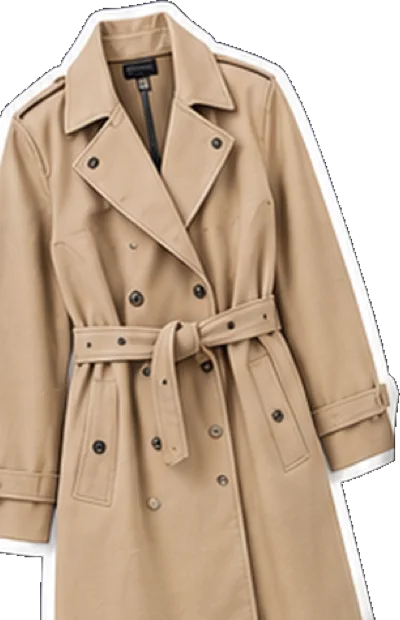
Camera, photo library or the “Add to Closetelle” share sheet. One garment, simple background, best results.
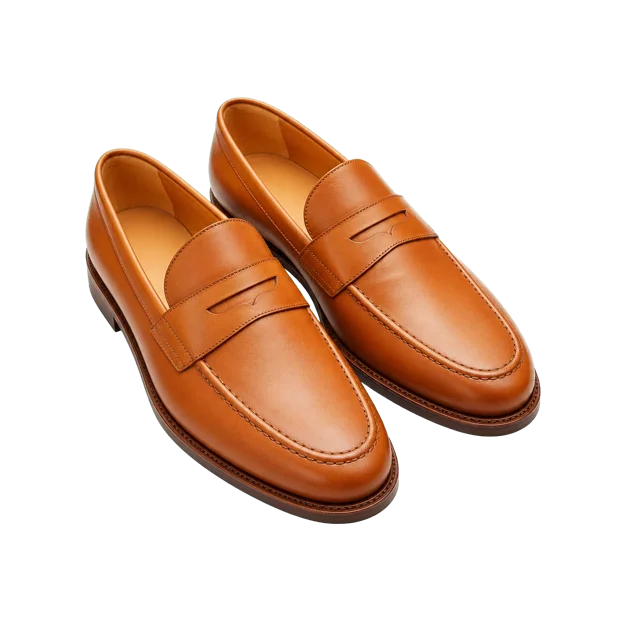
Category, colour and the notes that make a piece findable later — suggested for you, always yours to edit.
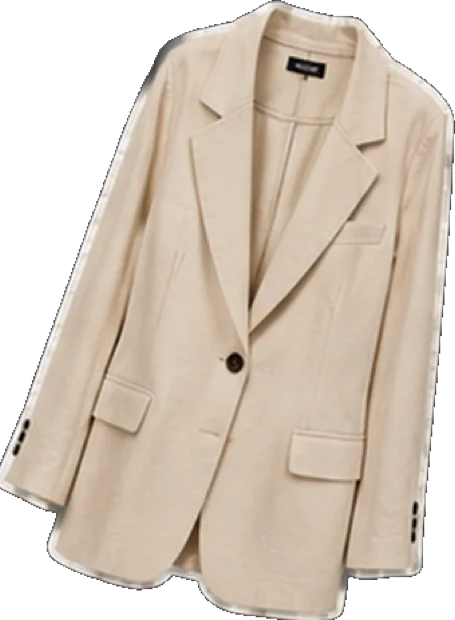
Open Today for complete outfits, save the ones you love and build your own from there.
The wardrobe
Your whole closet as die-cut stickers you can search, filter and love — so the pieces at the back of the rail stop disappearing.

The stylist
Stuck between the same three outfits? Ask the Stylist for a new angle — dinner, an interview, cold snap — and get complete looks assembled from clothes you already own.

Your Twin
Start with one clear full-body photo, add up to two extra angles for a stronger reference, then preview saved outfits on your Twin and share the ones you love.
Generated try-on previews are visual inspiration and may not reproduce exact fit, colour, fabric or sizing. Always check the real garment before relying on a preview.

Good to know
Your first 5 wardrobe pieces are free. Closetelle Premium unlocks up to 1,000 pieces, Twin previews and Stylist replies.
No. Garment recognition, Stylist and Twin previews all run through Google Gemini and need your permission first. Closetelle still works as a wardrobe and outfit planner without them.
Your wardrobe lives on your device, with a cloud copy enabled by default so your closet follows your account. You can stop future uploads under Settings → Privacy & AI → Keep a cloud copy.
Yes. Settings → Account data → Delete Account removes your cloud records and stored images, your local wardrobe and Twin data, and your Closetelle sign-in. It cannot be undone.
Not in version 1. You can add pieces from the camera, your photo library or the image-only “Add to Closetelle” share extension.
Explore Closetelle
Build your digital closet, rediscover what you own and plan outfits in minutes. Free to start.